
Master VR Game Development on the Sunshine Coast
Learn the fundamentals of immersive headset experience design. From engines to interaction design, we cover what you need to build compelling virtual worlds.
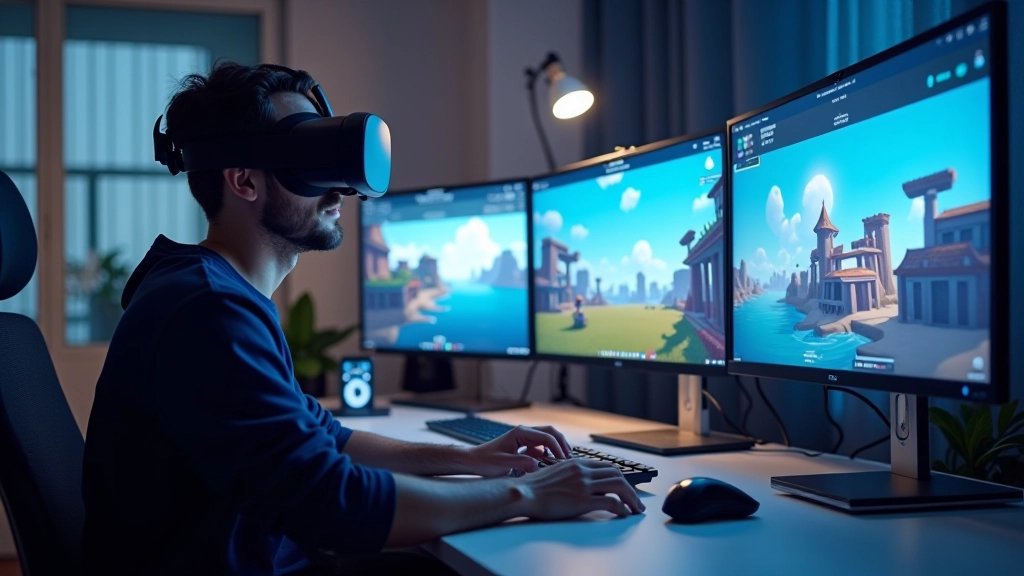
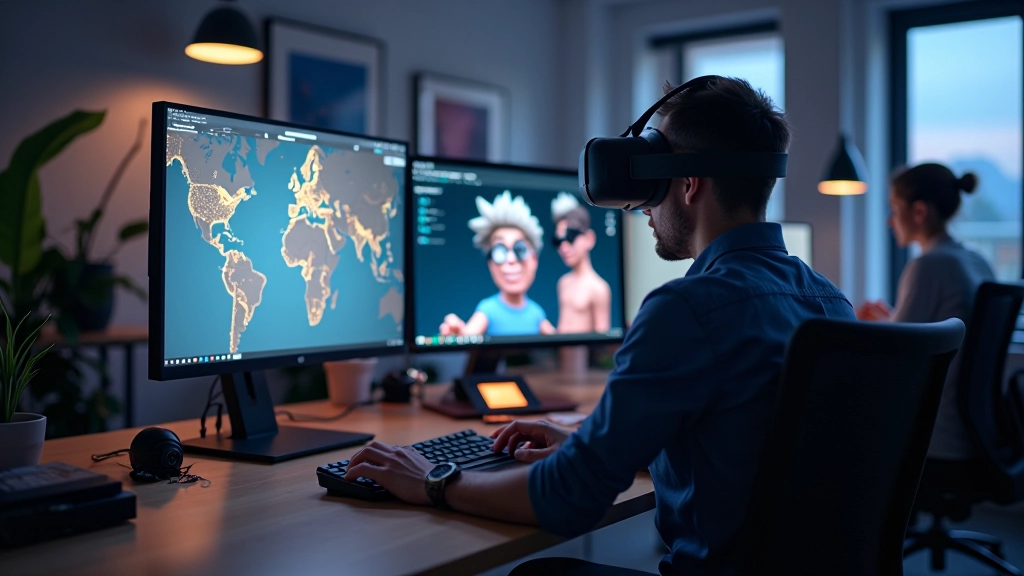
VR Game Development Fundamentals
We’re focused on making VR development accessible to everyone. Whether you’re starting fresh or looking to deepen your skills, our guides break down complex concepts into manageable pieces. From choosing the right engine to understanding player interaction, we’ve got you covered.
What You’ll Learn
Essential knowledge for building immersive experiences
VR Game Engines
Understand Unity, Unreal Engine, and Godot for VR. We explore their strengths, learning curves, and best use cases. You’ll learn which engine fits your project goals.
Input and Interaction
Controllers, hand tracking, spatial interaction—these are the building blocks of player engagement. We show you how to design intuitive control schemes that feel natural.
3D Asset Creation
Creating optimized models that perform smoothly in VR isn’t straightforward. We cover modeling techniques, texture optimization, and performance considerations for immersive worlds.
Performance and Comfort
Motion sickness and frame drops ruin experiences. We break down optimization strategies and comfort principles that keep players engaged without nausea.
Your Learning Path
A structured approach to mastering VR development
Step 1: Understand VR Basics
Start with VR fundamentals. Learn how headsets work, why comfort matters, and what makes an experience feel immersive. This foundation shapes every decision you’ll make.
Step 2: Choose Your Engine
Pick the right tool for your vision. We compare Unity’s accessibility, Unreal’s power, and Godot’s flexibility. You’ll understand which fits your project best.
Step 3: Design Interactions
Create intuitive controls and compelling mechanics. Learn how players interact with virtual objects, navigate spaces, and engage with your world.
Step 4: Optimize and Deploy
Performance optimization, motion sickness prevention, and deployment strategies. You’ll polish your experience and get it running smoothly on actual headsets.
Core Principles
How we approach VR development education
“Immersion isn’t about graphics—it’s about presence.”
Real immersion comes from thoughtful design. Visuals matter, but they’re just one part. We focus on creating experiences that make players feel like they’re actually there.
“Performance is a feature, not a limitation.”
A smooth, responsive experience defines VR. We teach optimization from day one so your creations feel responsive and polished, not janky or uncomfortable.
“Intuitive controls unlock creativity.”
When players don’t think about controls, they’re free to engage. We show you how to design interactions that feel natural and let players focus on your world.
“Start simple, build complexity.”
The best VR experiences start with solid fundamentals. We don’t overwhelm you with advanced techniques. You’ll build progressively, understanding each layer.
What Developers Say
“Wasn’t sure where to start with VR development honestly. But these guides broke everything down step-by-step and I actually built a working prototype in two weeks. The interaction design section especially helped me understand how players actually move through VR spaces.”
“The engine comparison was super helpful. I’d been debating between Unity and Unreal for months. This cleared it up.”
“Finally, someone explaining motion sickness prevention in practical terms. My players don’t feel sick anymore.”
Common Challenges & Solutions
What developers struggle with—and how to solve it
Without Knowledge
Picking the wrong engine for your project
Confusing controls that frustrate players
Performance issues causing motion sickness
Inefficient asset pipelines wasting time
Experiences that feel flat or unconvincing
With Our Guides
Compare engines based on your actual needs
Design intuitive interactions players enjoy
Optimize for smooth, comfortable experiences
Follow proven asset creation workflows
Create genuinely immersive virtual worlds
Do I need previous game development experience?
Not at all. We start with fundamentals and build from there. If you’ve done any game dev before, great—you’ll move faster. But we don’t assume any prior knowledge.
Which engine should I learn first?
It depends on your goals. Unity’s more accessible for beginners. Unreal’s more powerful but steeper learning curve. We cover both, so you can make an informed choice based on your project.
How long does it take to build a VR experience?
Varies hugely. A simple interactive scene? A few weeks. A full game? Months or years. We focus on teaching the principles so you understand timelines for your own projects.
Do I need expensive equipment?
You’ll need a decent computer and a headset eventually. But you can learn fundamentals without either. We explain what hardware matters and why.
Can I use these guides for mobile VR?
Mostly yes. Some principles are universal. Mobile VR has different constraints, which we address in optimization guides.
Are your guides updated regularly?
Yes. We update them as engines evolve and new techniques emerge. VR moves fast—we keep pace.
Featured Guides
Start with these essential topics
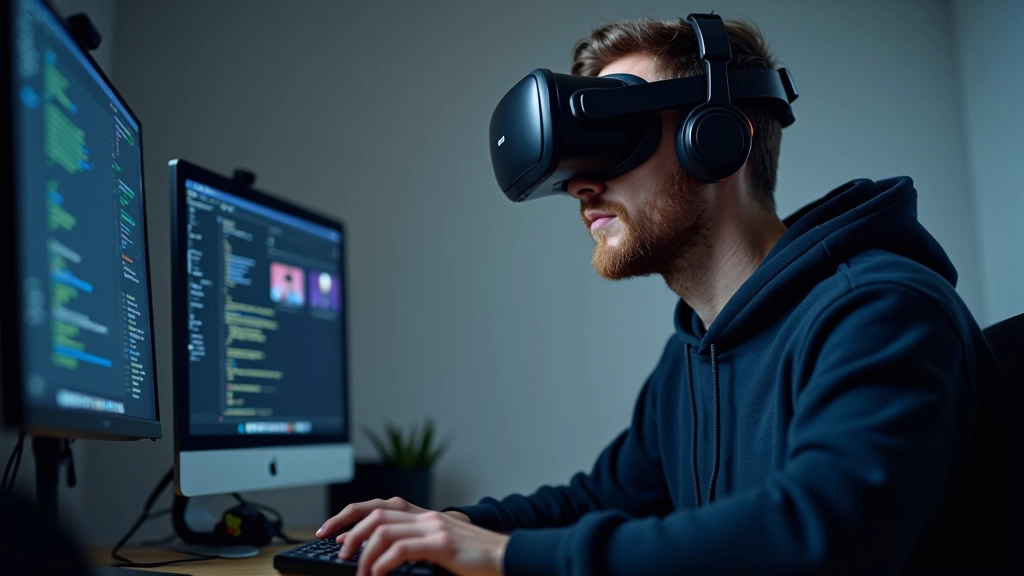
Getting Started with VR Game Engines
Explore the three main game engines used for VR development and understand which one fits your project goals. We break down their strengths and learning curves.

Understanding VR Input and Interaction Design
Controllers, hand tracking, and spatial interaction. Learn how players actually engage with your virtual world and design intuitive control schemes.
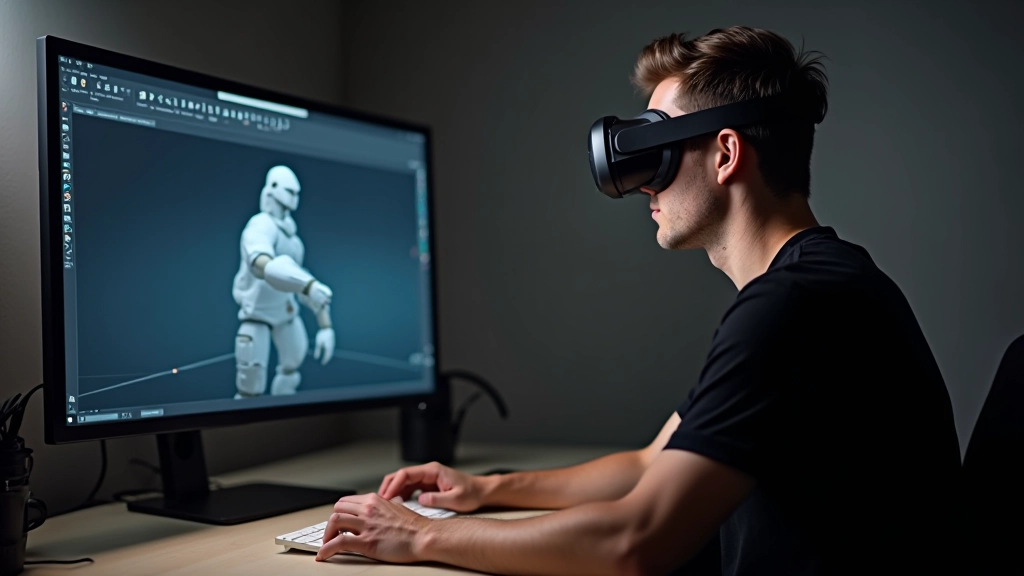
3D Modeling and Asset Creation for VR
Creating optimized 3D models that perform smoothly in VR. Covers modeling techniques, texture optimization, and performance considerations for immersive experiences.
Ready to Start Your VR Development Journey?
We’re here to help you understand the fundamentals and move forward with confidence. Whether you have questions or want to dive deeper, reach out.